Free printable brain puzzles for seniors
Print as many A4 worksheets as you like — sudoku, word search, mental math, word order, colour by number and spot the difference. No sign-up, no cost.
Play online — no app to install
Made for carers, care homes, day centres and families. Every sheet is generated fresh, so you never hand out the same worksheet twice.
Download the worksheets (PDF)
Download and print straight away — no sign-up, no email. Each file holds four worksheets and the answer sheets.
Word Search
Mental Math
Word Scramble
Colour by Number
Spot the Difference
Math Crossword
Copy the Pattern
Dot to Dot
Count the Shapes
Clock Reading
Number Search
Shadow Match
Number Pair Match
Number Pattern
These files are prepared in advance, so they always hold the same puzzles. For a fresh set every time, use “Print puzzles” on the site itself.
Worksheet preview
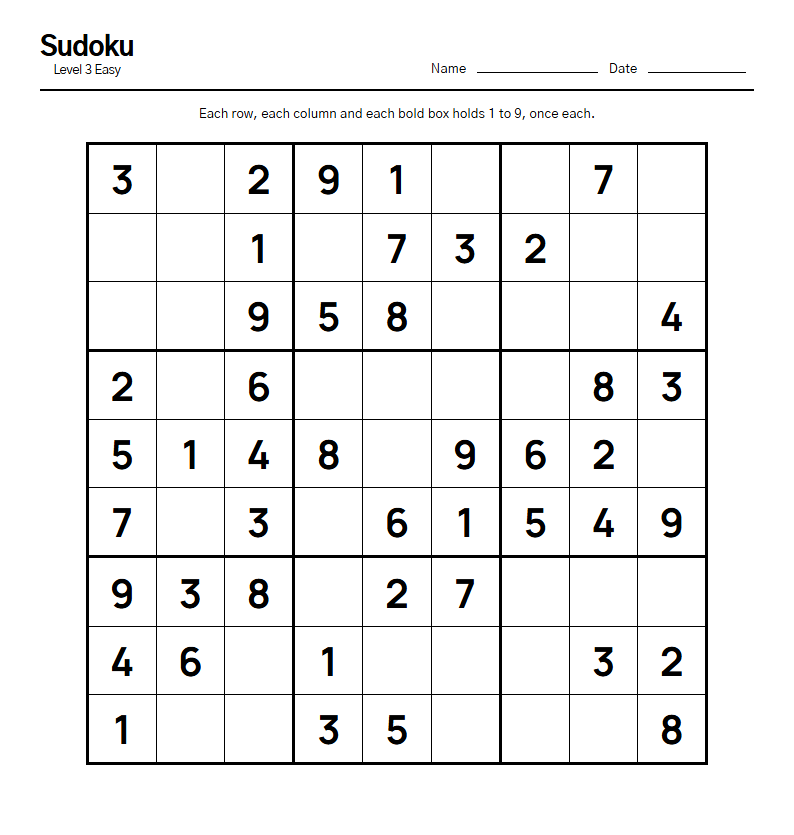 Sudoku
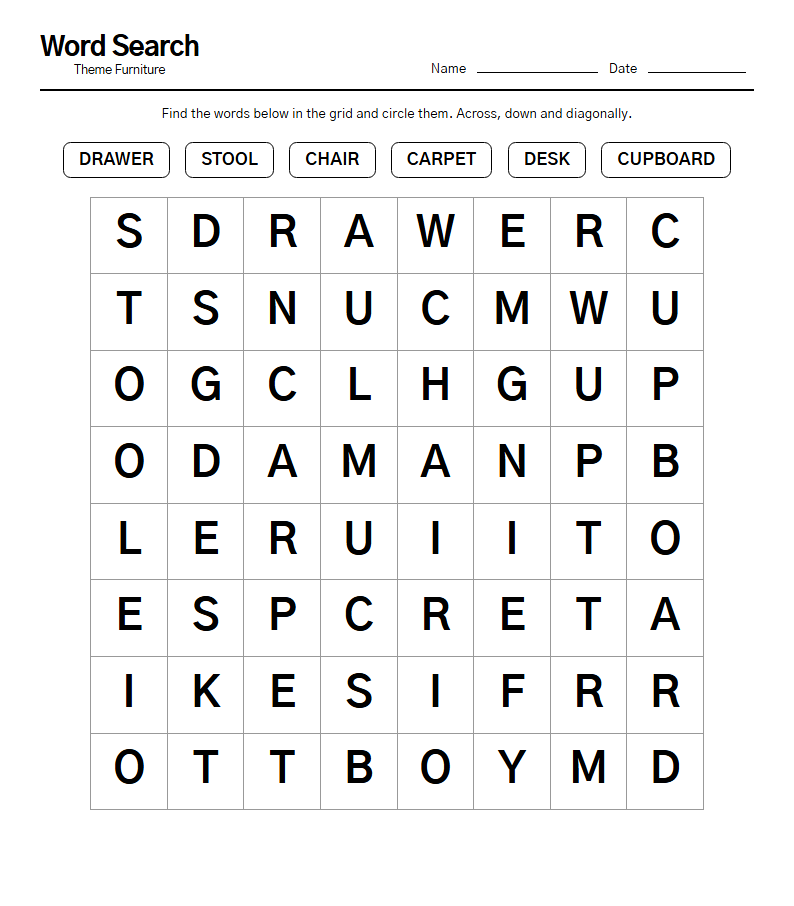 Word Search
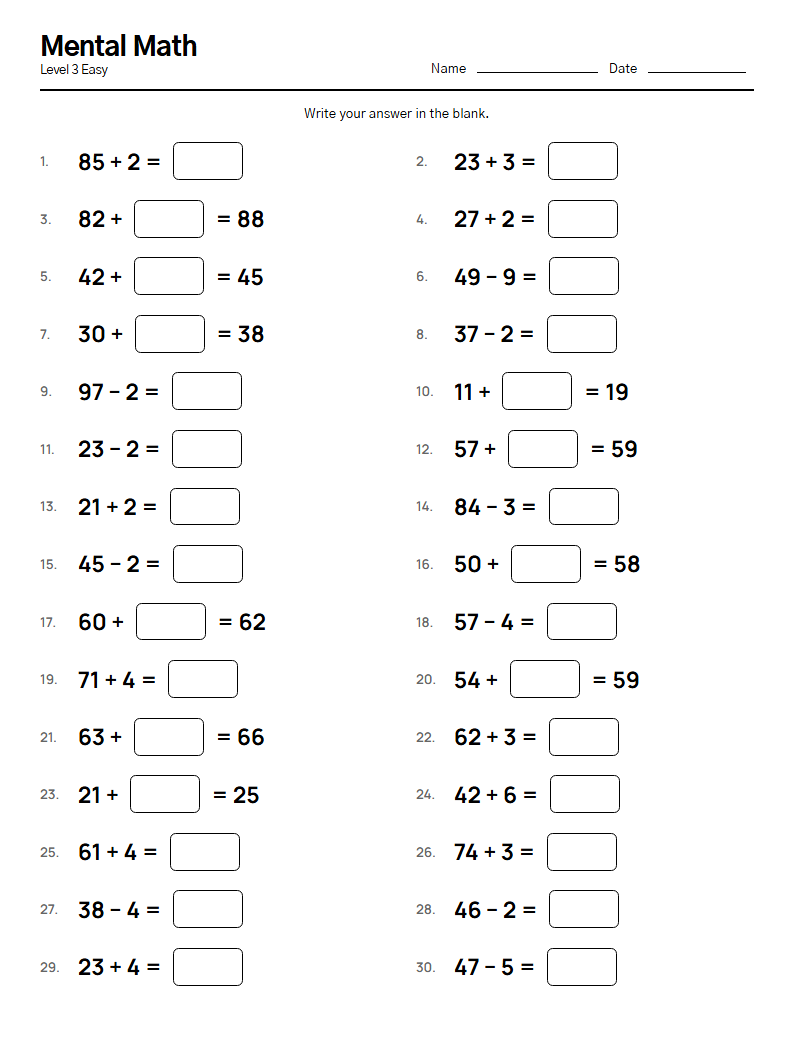 Mental Math
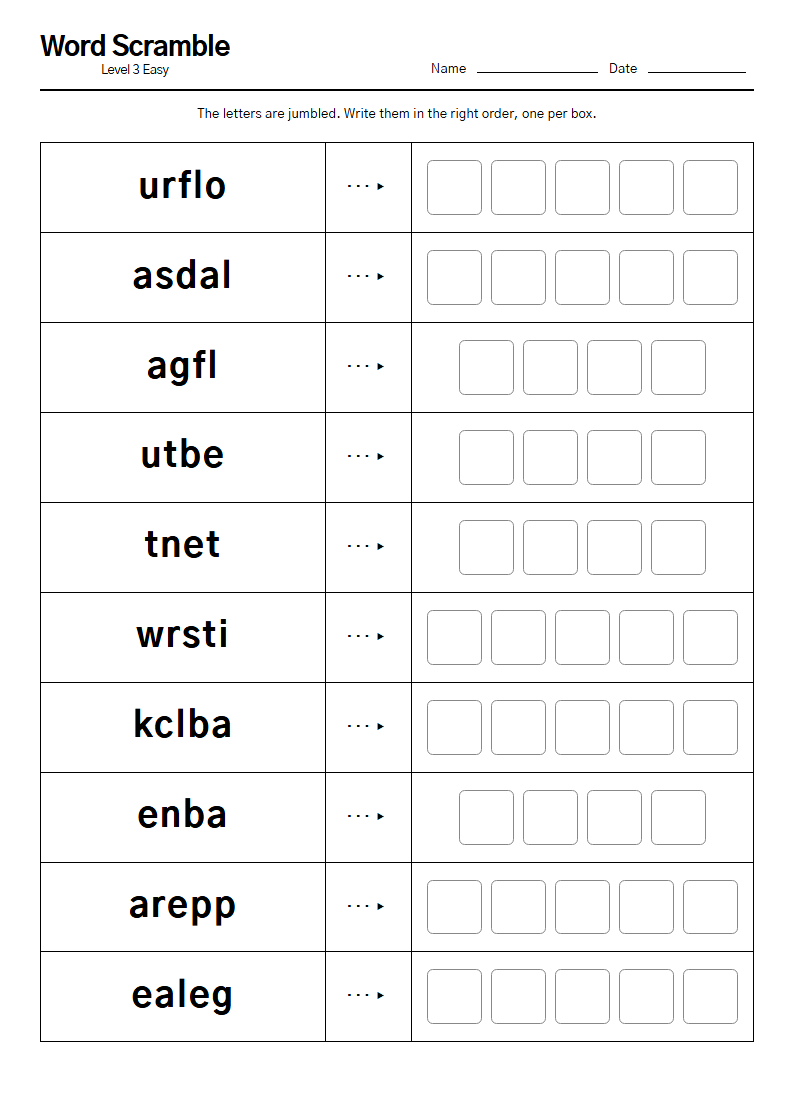 Word Scramble
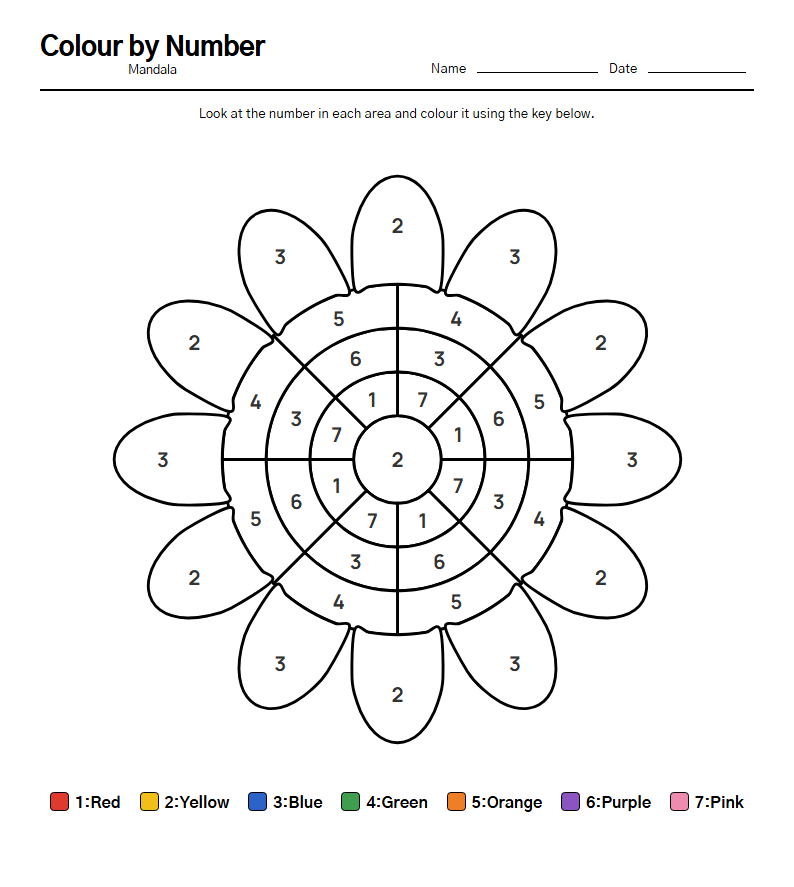 Colour by Number
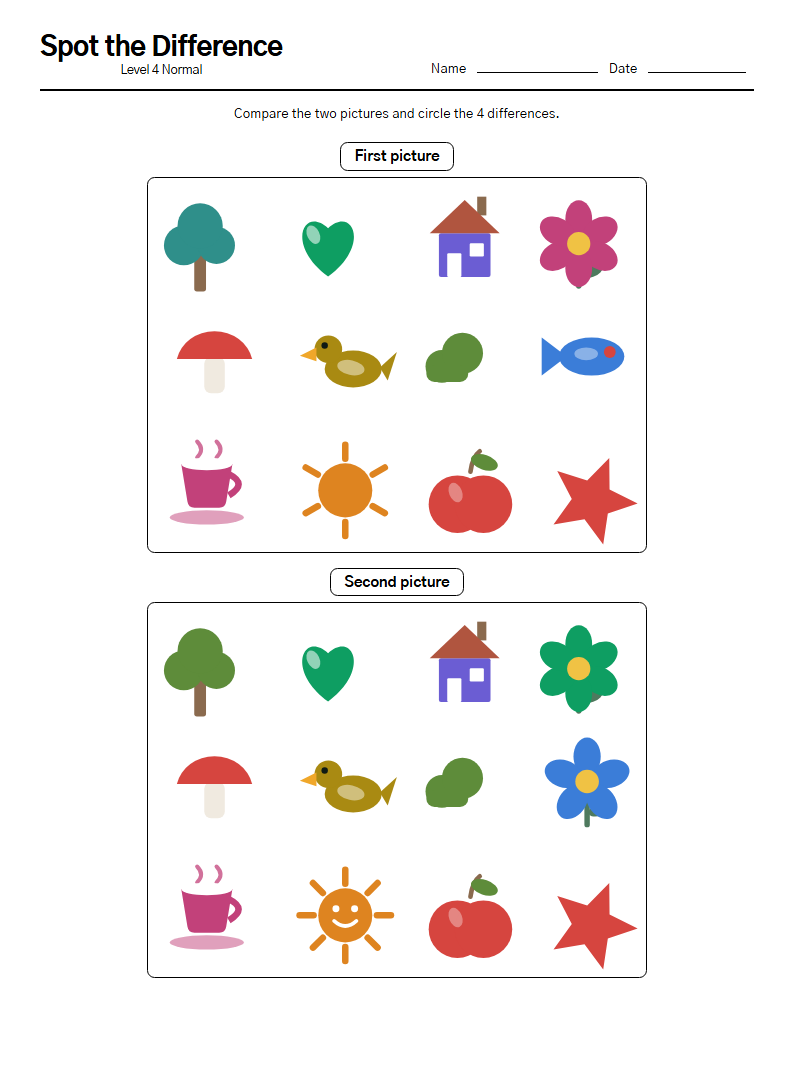 Spot the Difference
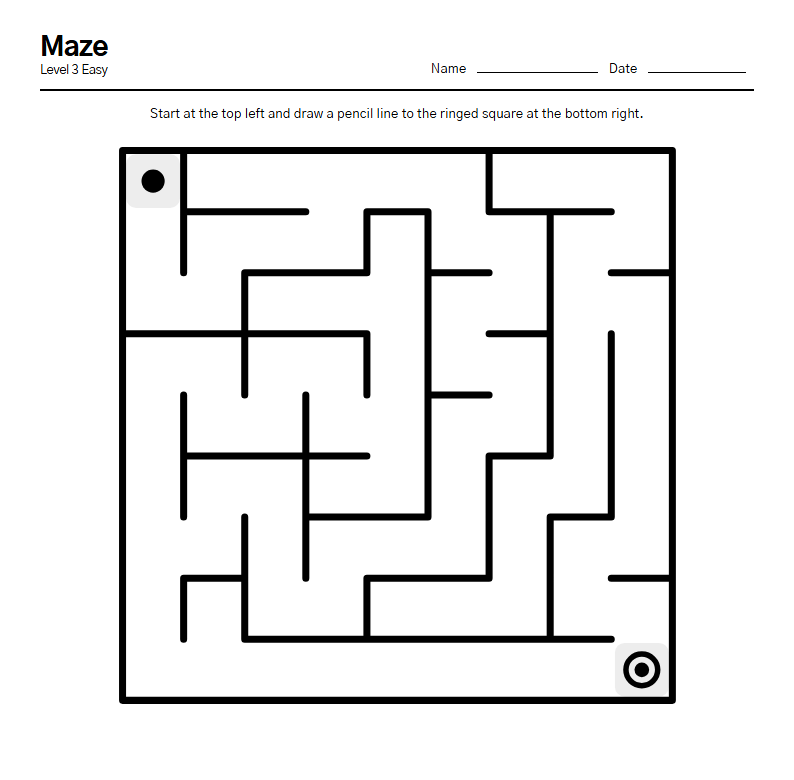 Maze
Maze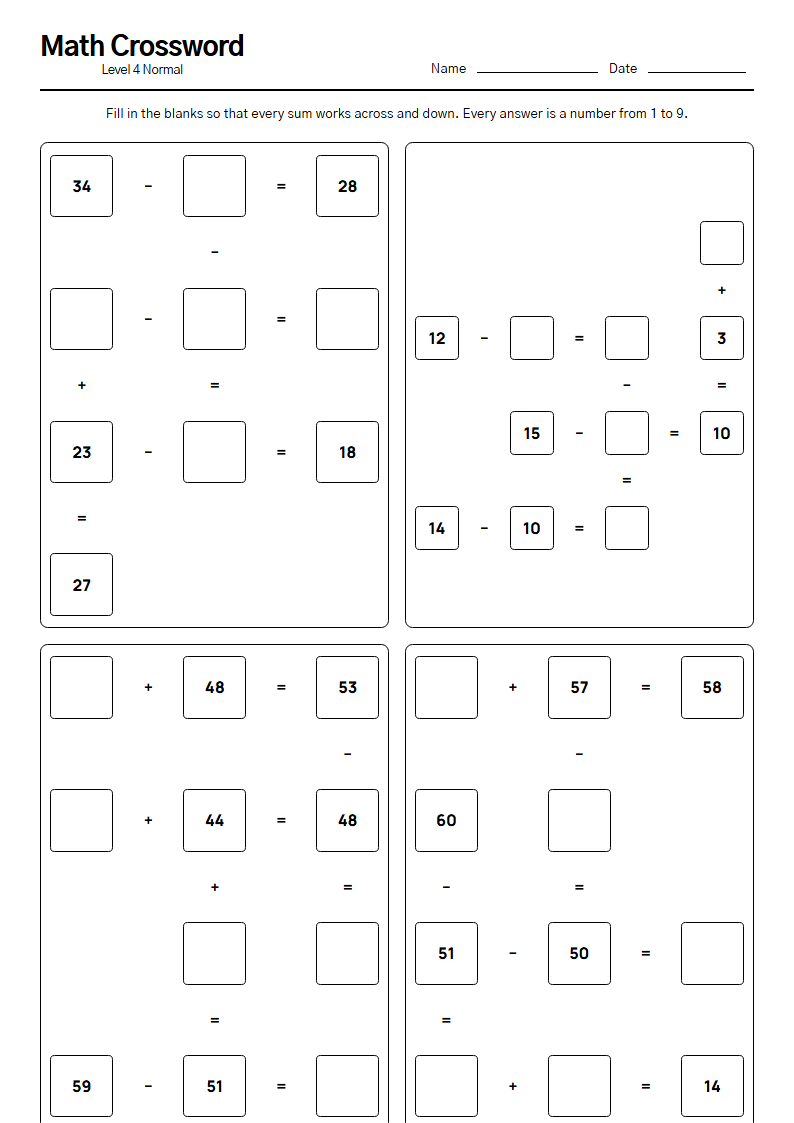 Math Crossword
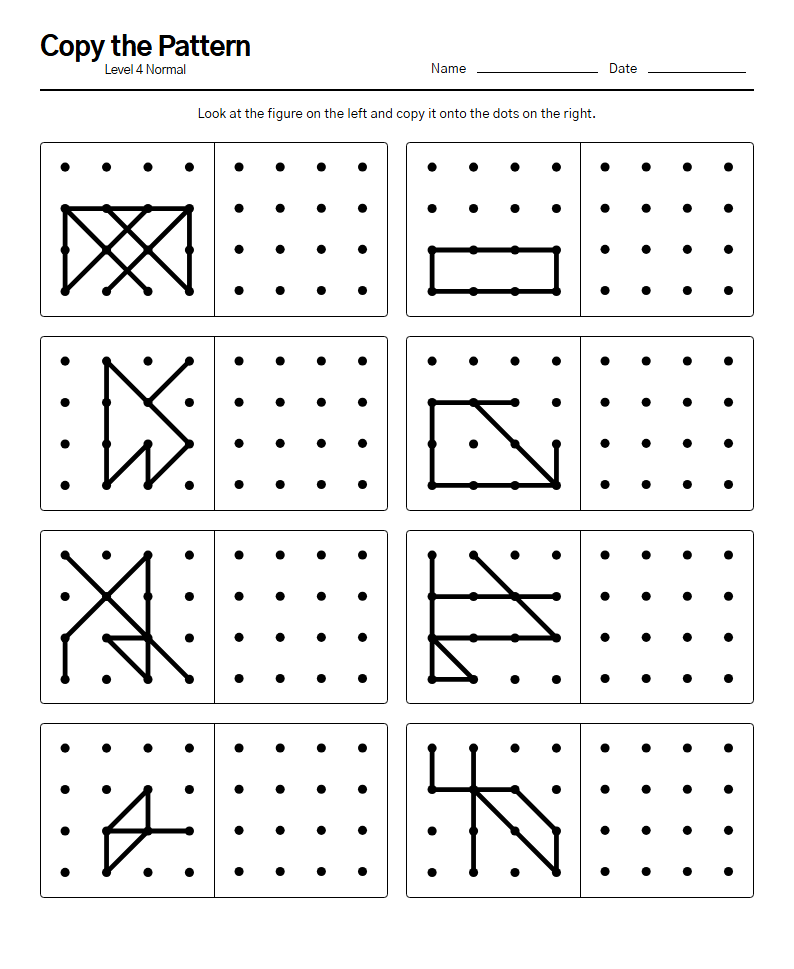 Copy the Pattern
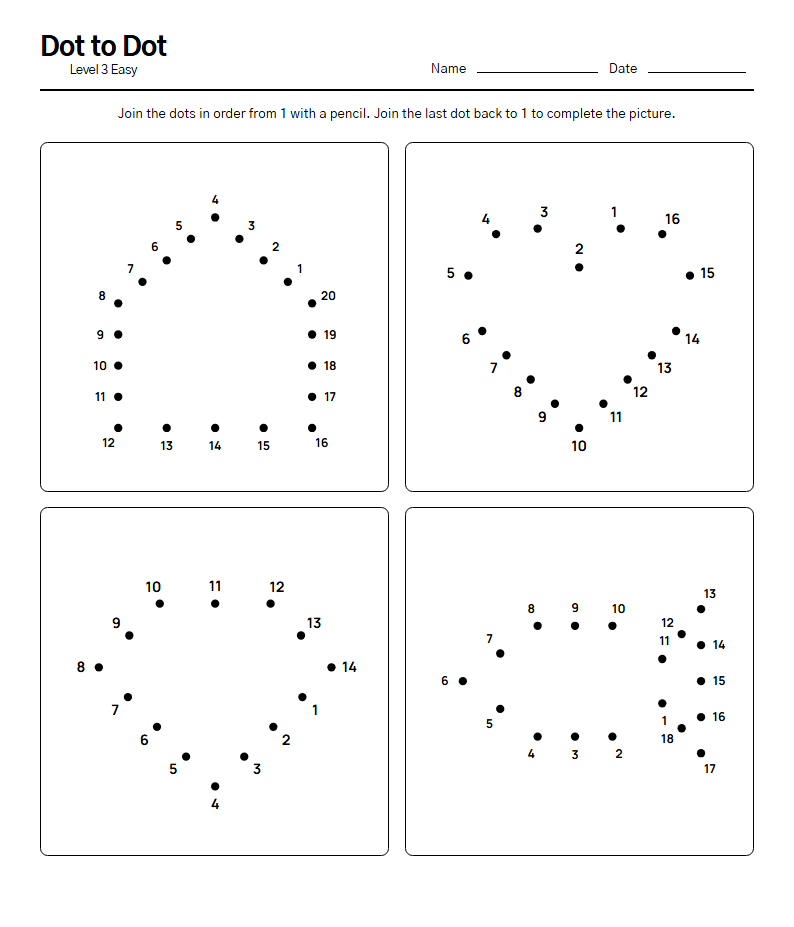 Dot to Dot
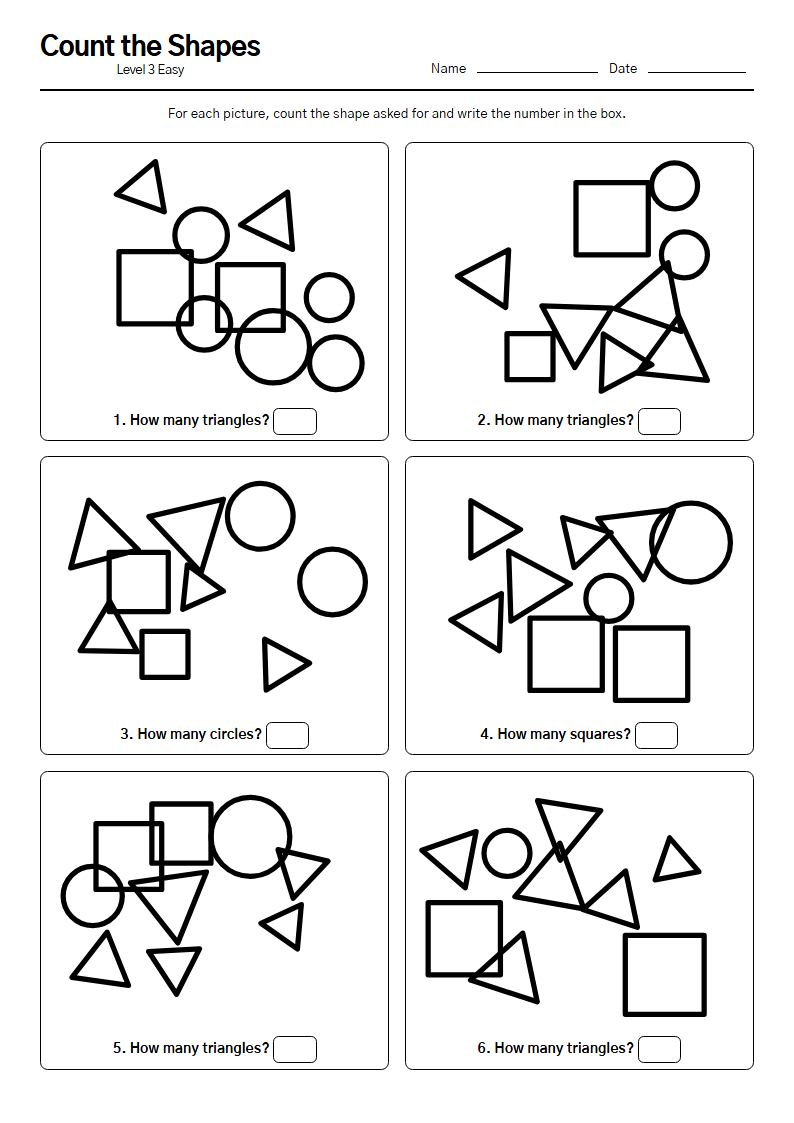 Count the Shapes
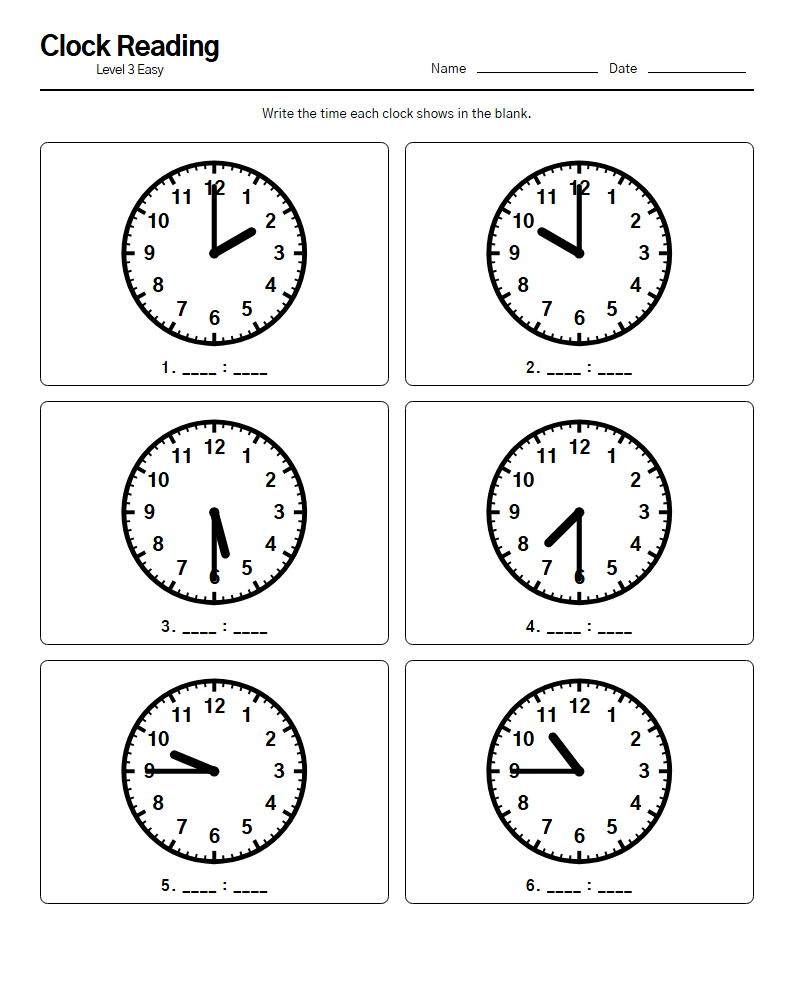 Clock Reading
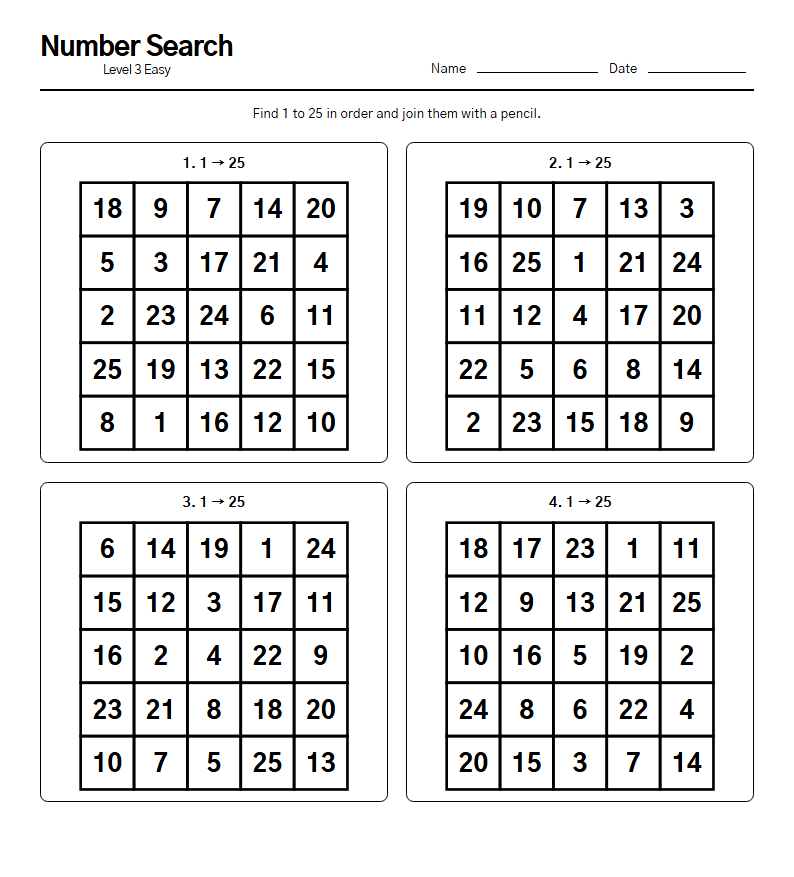 Number Search
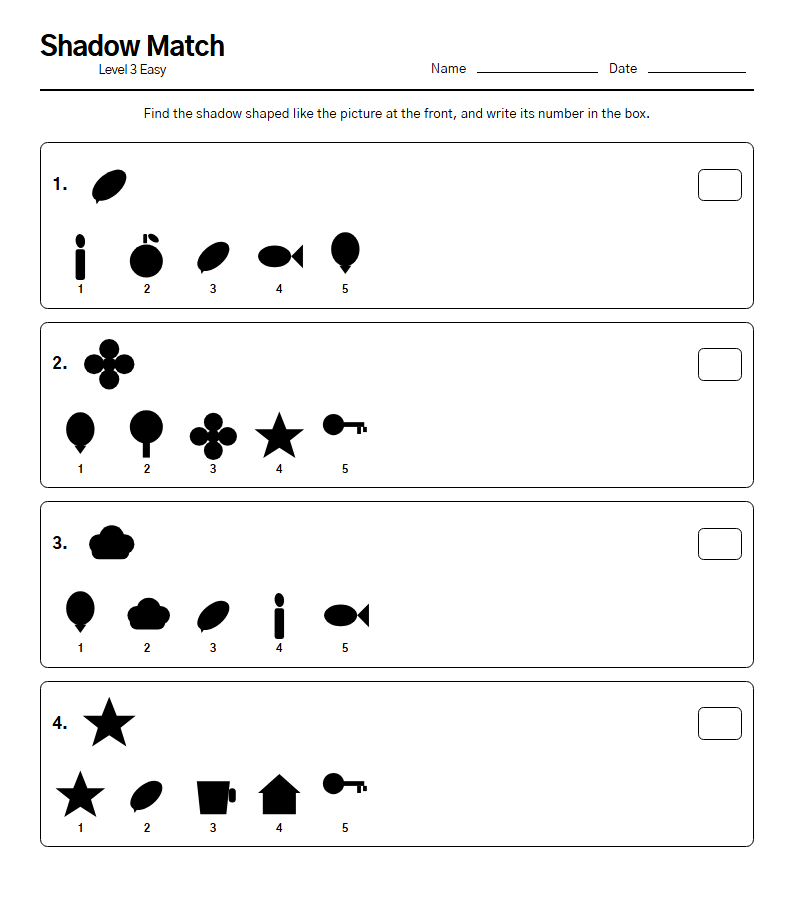 Shadow Match
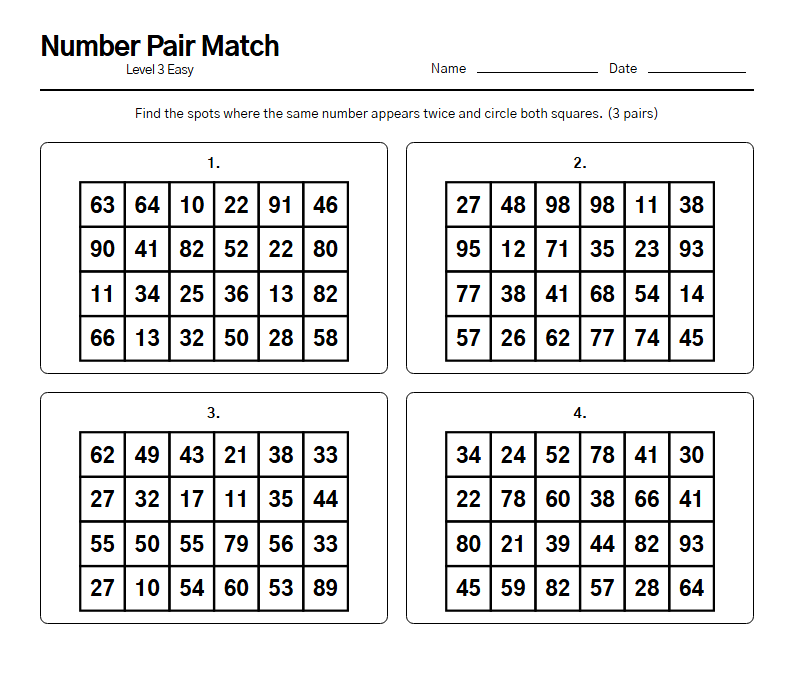 Number Pair Match
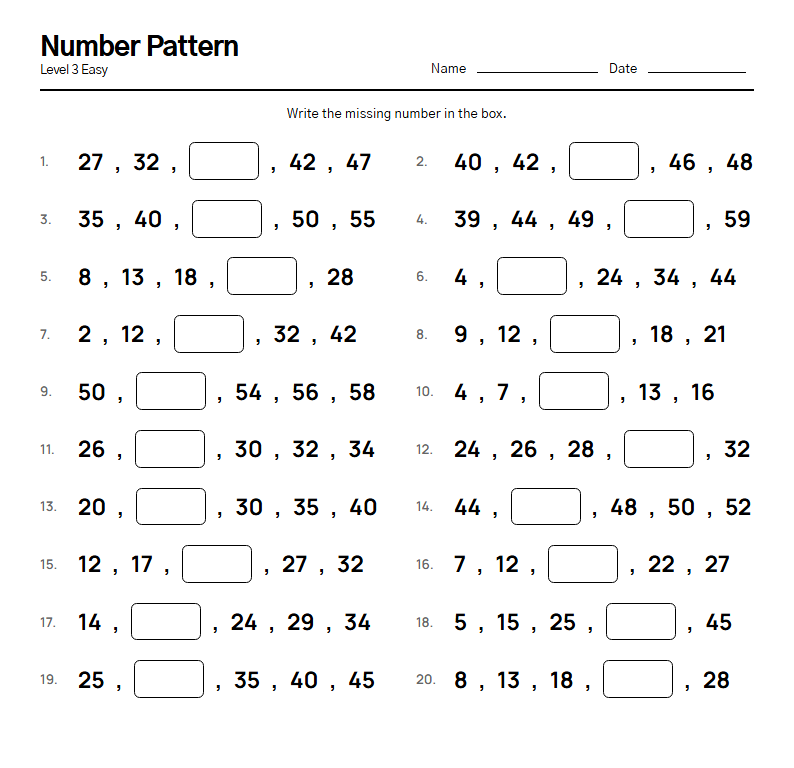 Number Pattern
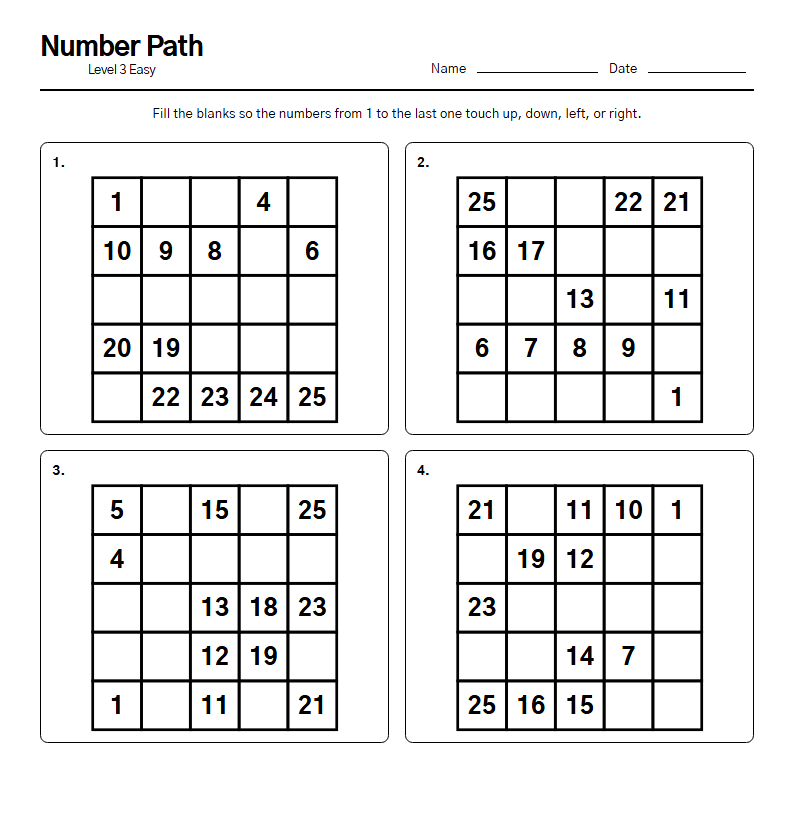 Number Path
What you can print
- Sudoku — A workout for the mind, in numbers
- Word Search — Words hidden in the letter grid
- Mental Math — Add and take away to wake the mind
- Word Scramble — Put the jumbled letters back in order
- Colour by Number — Fill in the colours, number by number
- Spot the Difference — An eye for what has changed
- Maze — Trace the way out with your eyes
- Math Crossword — Sums that add up across and down
- Copy the Pattern — An eye for copying what you see
- Dot to Dot — Join the dots and a picture appears
- Count the Shapes — Find and count the tangled shapes
- Clock Reading — Read the time from the hands
- Number Search — Find the scrambled numbers in order
- Shadow Match — Find the matching shadow
- Number Pair Match — Find the number that appears twice
- Number Pattern — Fill in the missing number
- Number Path — Complete the path of numbers
How to print
- Open the home screen and tap “Print puzzles” near the bottom.
- Choose which game, which level and how many sheets.
- Tap “Make it” and the print window opens.
- To save a file instead of printing, set the printer to “Microsoft Print to PDF” or “Save as PDF”.
Times and scores are never printed on a worksheet. Answer sheets are optional.
I went looking online for puzzles for my mother, who lives with dementia, and found it far too hard to find good ones — so I made these for her. I am putting them here in the hope that they help someone else too.